Welcome to the new era of Australian shipping, where something as simple as your office printer can become your most powerful tool for growth. If you're still handwriting labels or queuing up at the post office, it's time for a change. Using printable shipping labels isn't just a minor tweak to your process; it's a fundamental shift that transforms a frustrating chore into a seamless, professional workflow.
Let's dive in and get you ready to take complete control of your shipping.
The E-Commerce Edge of Printable Labels
The boom in Australian e-commerce has completely reshaped the courier landscape. We're talking about an industry with over 56,550 businesses and an incredible compound annual growth rate of 18.3% between 2020 and 2025. What's driving this? A massive demand from online retailers for fast, reliable, and self-service shipping solutions.
With the industry now topping $13.7 billion in revenue and domestic parcels accounting for over 62% of the market, getting your shipping right is absolutely critical. This is where mastering on-demand label printing gives you a serious advantage.
This guide is designed to be your go-to resource. We'll walk you through exactly how to use a platform like Aeros Couriers to get your labels generated, printed, and onto your parcels, setting you up for success in Australia's vibrant e-commerce market.
Why Every Australian Business Needs This System
Switching to an on-demand label printing system is more than just a nice-to-have—it's a strategic business decision that pays dividends in both efficiency and customer happiness. The perks become obvious almost immediately.
- Reclaim Your Time: Imagine generating all your shipping labels right from your desk in minutes. No more queues, no more wasted afternoons. That's time you can pour back into product development, marketing, or customer service.
- Eliminate Costly Errors: When you use an integrated platform, customer addresses are pulled in automatically. This drastically cuts down on the typos and transposition errors that lead to failed deliveries and frustrated customers.
- Look Like a Pro: A crisp, clear, and perfectly scannable shipping label sends a powerful message. It tells your customer that you're organised, professional, and trustworthy right from the first glance.
For any business serious about e-commerce, this efficiency is best supported by a transparent shipping policy that manages customer expectations from the start.
When you bring label printing in-house, you take the reins of your entire fulfilment process. It’s a seemingly small change that delivers massive returns in speed, accuracy, and brand image. Honestly, it's one of the smartest operational upgrades any Australian seller can make. You might also be interested in our expert guide on reliable parcel delivery.
Choosing the Right Tools for Flawless Labels
Creating a professional, scannable shipping label actually starts long before you hit ‘print’. Having the right tools on hand is the real secret to a smooth, efficient shipping workflow. It’s all about making smart investments that save you time, money, and headaches down the track, whether you're sending one package a day or one hundred.
The choice you make here directly impacts how your daily operations feel. For a home-based Etsy seller, a simple setup might be perfectly fine. But for a growing warehouse, that same setup could quickly become a frustrating bottleneck. Let's break down the essential gear you’ll need to get it right.
Your Printer: The Heart of Your Shipping Station
The biggest decision you'll face is choosing between a thermal printer and a standard inkjet or laser printer. Each has its own distinct advantages, and the best one for you really depends on your shipping volume and where you see your business heading.
An inkjet or laser printer is a fantastic starting point for many Aussie businesses. Let's be honest, you probably already have one, which means zero upfront hardware cost. They print on standard A4 paper, and you can get clever integrated label sheets that combine the shipping label and packing slip on one page—a great little hack for staying organised.
The catch? The ongoing costs of ink or toner can creep up on you, especially as your order volume grows. These printers are also generally slower and just aren't built for the rough-and-tumble environment of a busy shipping desk.
A dedicated thermal printer, like a model from Dymo or Zebra, is a different beast altogether. These are purpose-built label-making machines. They use heat to print on special labels, which completely eliminates the need for expensive ink or toner. That’s a massive long-term cost saving right there. Better yet, they are built for speed and durability, churning out crisp, smudge-proof 4×6 inch labels in seconds.
While a thermal printer requires an upfront investment, it quickly pays for itself in cost savings and pure efficiency. For any Australian e-commerce business planning to scale, it is the superior choice for creating flawless printable shipping labels.
Printer and Label Paper Comparison for Your Business
Feeling a bit stuck? This quick comparison should help you decide on the best printer and label paper combination based on your shipping volume and budget.
| Feature | Thermal Printer (e.g., Dymo, Zebra) | Inkjet/Laser Printer |
|---|---|---|
| Best For | High-volume sellers, scaling businesses | Low-volume sellers, start-ups |
| Upfront Cost | Higher initial investment | Low to none (if you already own one) |
| Ongoing Costs | Very low (only labels needed) | High (ink/toner, paper, maintenance) |
| Print Speed | Extremely fast (seconds per label) | Slower |
| Label Size | Standard 4×6 inch adhesive labels | A4 integrated label sheets |
| Durability | Built for heavy, daily use | Designed for general office use |
Ultimately, the goal is to find a system that supports your business, not one that holds you back. A thermal printer is a true game-changer once you hit a certain volume.
Selecting the Perfect Label Paper
Your choice of printer naturally guides your choice of label paper. The two main formats you’ll come across are A4 integrated sheets and 4×6 inch adhesive rolls or stacks.
- A4 Integrated Labels: These are ideal for low-volume sellers using an inkjet or laser printer. The peel-off label is just part of a standard A4 sheet, making it easy to manage without any special equipment.
- 4×6 Inch Adhesive Labels: This is the industry standard size for Australian couriers and the format used by thermal printers. They come in either rolls or fan-fold stacks and offer a much lower cost-per-label, especially when you buy them in bulk. They’re designed for quick peeling and sticking, which genuinely speeds up your entire packing process. For a deeper dive, our guide on how to print a postage label offers some extra insights.
Making the right decision really comes down to balancing your current needs with your future ambitions. Starting with what you already have is incredibly practical, but planning for growth by investing in dedicated tools will set your business up for long-term success.
How to Generate Aeros Couriers Shipping Labels
This is where the magic happens—turning your packed orders into packages ready for the road. Getting professional, accurate printable shipping labels from the Aeros Couriers dashboard is refreshingly simple, designed to get you from screen to shipment in minutes. It doesn't matter if you're sending one parcel to Perth or a hundred from your Melbourne warehouse; the whole system is built for efficiency.
What we’re really doing here is turning a tedious chore into just a few clicks. Centralising your shipping this way gives you a serious leg up. It's this kind of efficiency that’s fuelling Australia’s last-mile delivery market, which is set to grow by over 10.55% annually and hit a value of AUD 2.5 billion by 2025. When you can create labels instantly, you cut out last-minute mistakes and get your parcels to the courier faster, which is essential in a market moving at this pace.
Creating a Single Shipping Label
Got a one-off package to send? It couldn't be easier. As soon as you log in, the dashboard guides you straight into creating a new shipment.
The process is intuitive, but here’s a quick rundown:
- Pop in the addresses. You'll need the sender and recipient details. A little tip from experience: save your most-used addresses to your address book. Next time, they’ll fill in automatically.
- Enter your package details. This is crucial for accurate quotes. Get your tape measure and scales out and enter the exact weight and dimensions (length, width, and height) of your packed item.
- Pick your carrier. The platform will instantly show you a list of available Australian couriers, complete with pricing and delivery estimates, so you can pick the one that fits.
- Confirm and print. Once you’ve made your choice, just confirm the booking. A perfectly formatted shipping label is generated on the spot, ready for you to download.
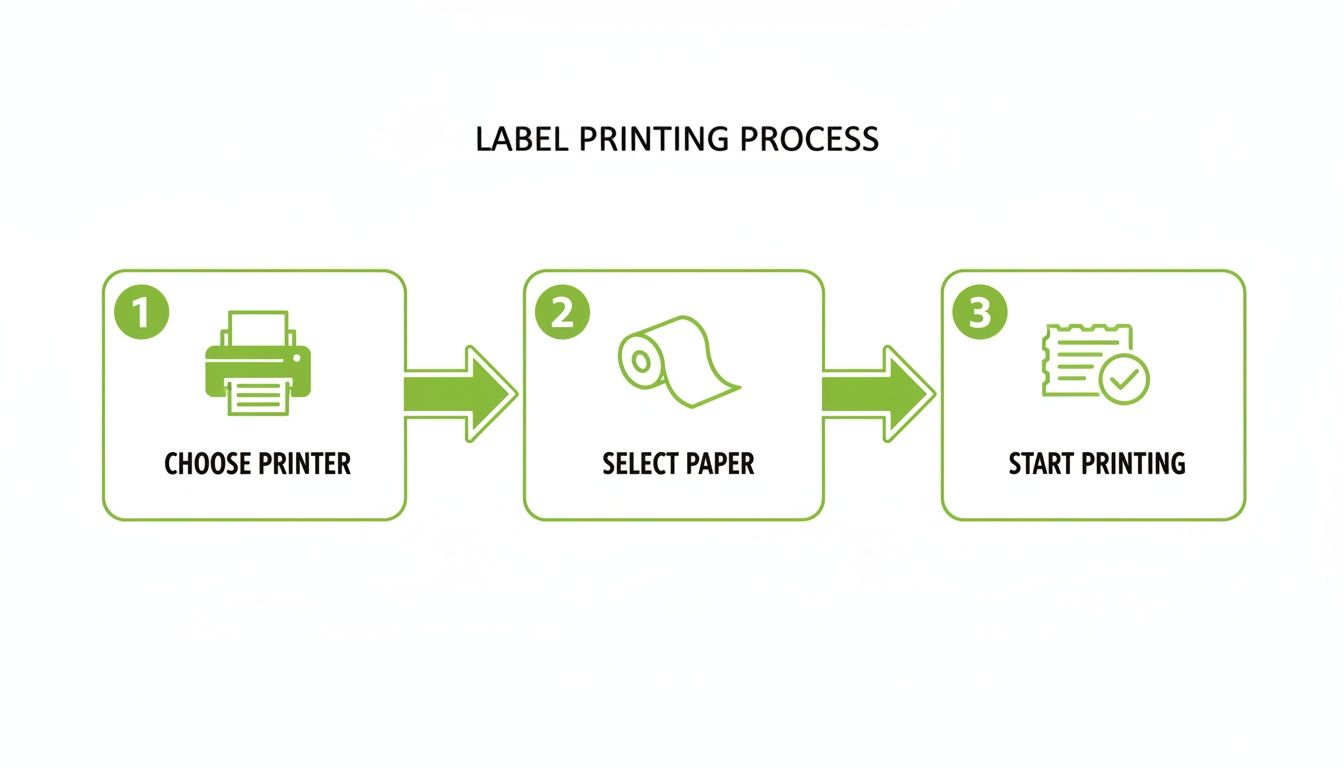
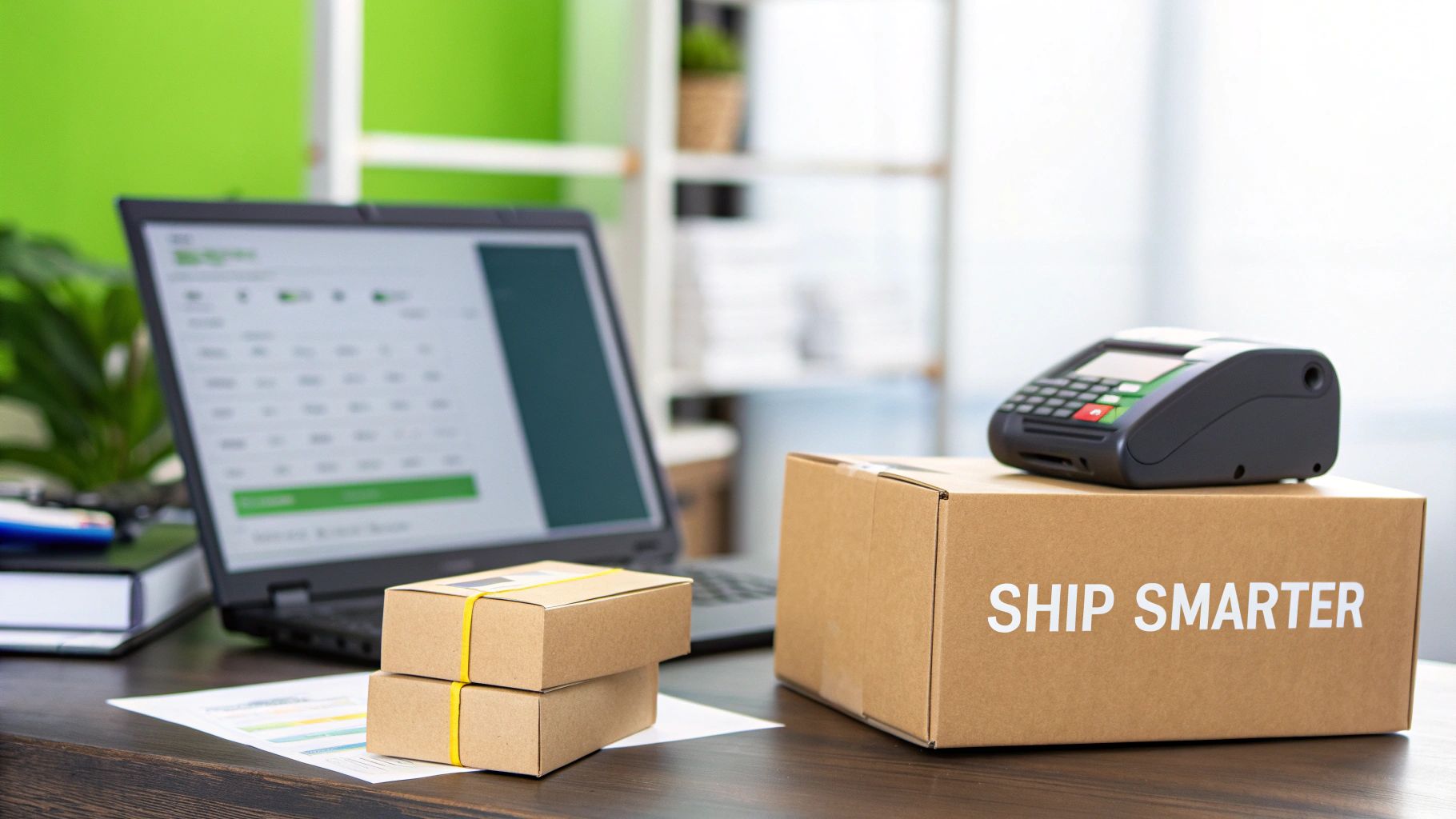
As you can see, once the label is created, it's all about having the right printer and paper ready to go.
The Power of Bulk Label Generation
For any growing online store, processing orders one by one is a recipe for burnout. This is where bulk label generation completely changes the game. With Aeros Couriers, you can process hundreds of orders in one go simply by uploading a CSV file.
Forget mind-numbing data entry. Just export your daily orders from Shopify, WooCommerce, or whatever platform you use, format the data into our template, and upload it. The system instantly populates all your shipments, letting you review, book, and print every single label in one clean batch.
Imagine finalising an entire day's worth of shipping in the time it takes to make a coffee. That's the level of efficiency bulk generation unlocks, transforming your fulfilment from a manual burden into a strategic advantage.
Getting your labels printed is the first step, and understanding the wider delivery network helps you make smarter choices. This fantastic guide to courier services offers some great general insights into the industry.
For businesses ready to take efficiency even further by integrating these tools directly into their own systems, our shipment API is the perfect solution.
Printing and Applying Your Labels Like a Pro
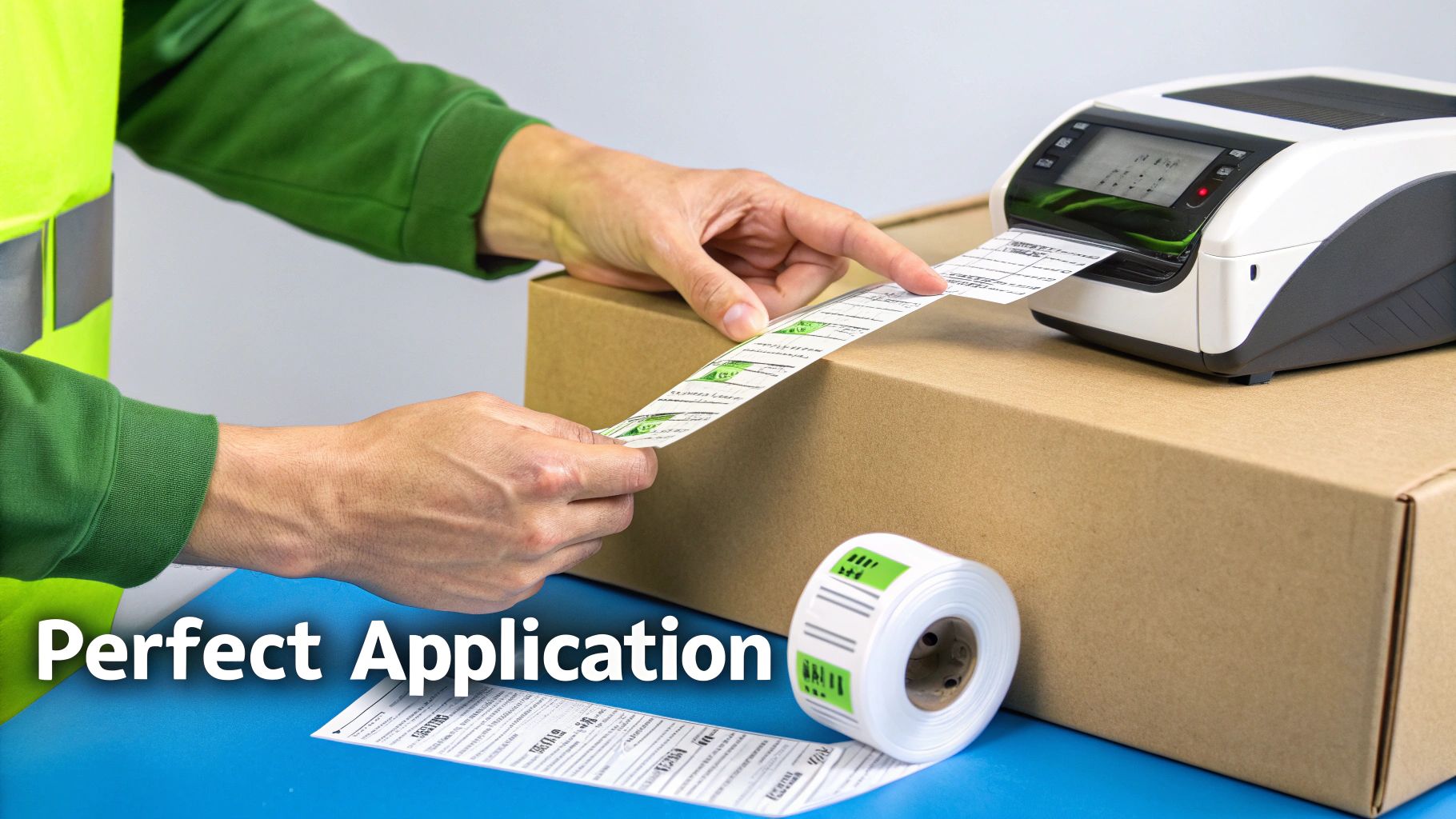
You’ve done the hard work and generated the perfect label. Now for the final, crucial step: bringing it into the real world. This is where a little attention to detail ensures your parcel sails through the courier network without a single hiccup.
Think of that label as your package’s passport. A crisp, clear, and perfectly placed label is the key to a smooth and speedy journey.
The barcode, in particular, is the hero of the story. It’s the language that automated sorting machines understand, telling them exactly where your package needs to go. A smudged, faded, or poorly printed barcode can lead to delays, manual handling surcharges, or even the dreaded return-to-sender.
Luckily, getting this right is much easier than you think. It all comes down to a few key settings and a consistent routine for sticking them on.
Dialling In Your Print Settings
Whether you’re working with a trusty thermal printer or a standard office inkjet, your print settings are everything. The goal is simple: produce a label where every single line of the barcode is sharp and every character of the address is perfectly readable.
For A4 Integrated Labels (Inkjet/Laser)
- Always Choose High Quality: Never settle for 'Draft' or 'Normal' mode. You want to select the highest possible resolution—at least 600 DPI is a good rule of thumb. This keeps those barcode lines clean and distinct.
- Turn Off 'Scale to Fit': This is a non-negotiable. Your browser or PDF viewer often tries to be helpful by shrinking the label to fit the page margins, but this can distort the barcode. Make sure you're printing at 100% scale or 'Actual Size' to maintain the correct proportions.
For 4×6 inch Labels (Thermal Printer)
- Match the Paper Size: Dive into your printer settings and explicitly set the paper size to 4×6 inches (or 100mm x 150mm). This tells the printer exactly what it's working with and prevents any awkward resizing.
- Fine-Tune Darkness and Speed: If your labels are coming out a bit faded, bump up the 'darkness' or 'density' setting. Seeing smudges? Try slowing down the print speed just a touch. It often works wonders.
Pro Tip: A quick test print is never a waste of paper. Before you run off a whole batch, print a single label and hold it at arm's length. If the address is easy to read and the barcode looks sharp, you're ready to roll.
The Art of Perfect Label Application
Once your label is printed, how you stick it on is just as important. A wrinkled, poorly placed, or damaged label can cause just as many problems as a bad print job. Your mission is to make it incredibly easy for both machines and people to scan it instantly.
First, find the largest, flattest surface on your box or satchel. Steer clear of placing the label over seams, edges, or layers of tape where it can’t lie perfectly flat. When you apply it, smooth it down firmly from the centre outwards to push out any sneaky air bubbles or creases.
Make sure all four corners are securely stuck down. If you've printed on plain paper and are using tape, be very careful not to cover the barcode itself. The glare from shiny tape can sometimes interfere with scanners and cause a misread.
For an extra layer of protection against Australia’s unpredictable weather, pop the label inside a clear, self-adhesive shipping pouch. This is a brilliant way to shield it from rain and scuffs during transit, ensuring it arrives looking just as professional as when it left your hands.
For even more hands-on advice, check out our complete guide on how to properly place a label on a package to master this final, vital step.
Beyond the Label: Packaging and Compliance
That pristine, perfectly printed label is more than just a delivery instruction—it’s the finishing touch on your customer's entire experience. The way you package and present your products says everything about your brand's commitment to quality, long before the box is even opened. It’s your chance to make a lasting impression and build the kind of trust that turns one-time buyers into loyal advocates.
When a customer receives a sturdy, well-sealed box with a clear, professional label, it sends a powerful message. It tells them you’re a reliable seller who cares about the details. This isn’t just about logistics; it’s about reinforcing their decision to choose you.
Upholding Australian Shipping Standards
In Australia, what goes on and in the box is governed by important regulations. At the forefront are the Chain of Responsibility (CoR) laws, which hold every party in the supply chain accountable for safety. As the sender, this means you have a legal duty to ensure your parcels are packed, labelled, and declared correctly, especially if they contain items that need special care.
Including all the necessary information isn't just good practice; it's a legal requirement.
- Accurate Declarations: Always be truthful about the contents of your package. Misrepresenting items can lead to significant penalties.
- Special Handling Notes: If an item is fragile, perishable, or needs to be kept upright, make sure this is clearly indicated.
- Hazardous Materials: Items classified as dangerous goods must be declared with the correct documentation and labels. This is non-negotiable for the safety of everyone handling your parcel.
Think of your label and packaging as your handshake with the courier network. By being compliant and transparent, you’re not only protecting your business but also showing respect for every person who helps get your product to its destination.
Best Practices for Professional Packaging
The best printable shipping labels in the world won't matter if the box falls apart mid-journey. Your packaging is the label’s support system, ensuring it remains scannable and your products stay safe.
A strong, rigid box is your first line of defence. I always tell people to avoid reusing old boxes that have lost their structural integrity—it’s just not worth the risk. Inside, use enough cushioning material, like bubble wrap or recycled paper, to stop items from shifting around. The goal is a snug fit with no rattling.
Finally, seal your package securely with strong packing tape. Run tape along all the seams, using the 'H-tape' method for maximum strength. A professionally packed and sealed box doesn’t just protect the goods; it demonstrates a level of care that customers notice and appreciate.
If you're shipping items that need specific handling, you can find more detailed information in our article on shipping dangerous goods to ensure full compliance.
Got Questions About Shipping Labels? We've Got Answers
Stepping into the world of e-commerce shipping can feel like learning a new language. You've got this! Getting your head around the smaller details is what separates the novices from the pros, and it’s how you build a really smooth, confident fulfilment system.
Let's clear up some of the most common hurdles Aussie business owners face when it comes to printable shipping labels.
What’s the Difference Between a 4×6 and an A4 Label?
This is easily the most frequent question we hear, and the best choice really boils down to your order volume and your current setup.
The 4×6 inch label is the go-to standard for most Australian couriers. It's perfectly sized for dedicated thermal label printers, which are brilliant for anyone shipping more than a handful of orders a day. They spit out peel-and-stick labels in seconds, making them incredibly efficient.
An A4 printable shipping label, on the other hand, is designed for the printer you already have on your desk. These are often "integrated labels," where the sticky label is part of a larger A4 sheet that might also include the packing slip or customer invoice. It’s a fantastic, budget-friendly way to get started.
My advice? Start with A4 labels if you're just kicking off. But as soon as your order numbers start climbing, make a plan to invest in a 4×6 thermal printer. The time you'll save is a genuine game-changer for a growing business.
Help! My Barcode Won’t Scan! What Should I Do?
Nothing stops a packing session faster than a barcode that refuses to scan. It’s frustrating, but the fix is usually pretty straightforward and almost always comes down to print quality.
First stop: your printer settings. Jump in there and make sure you’re printing at the highest quality or resolution possible. The most important thing is to ensure any "scale to fit" or "fit to page" option is switched off. This is a classic culprit, as it can subtly squash or stretch the barcode, making it unreadable to scanners.
- Using an Inkjet/Laser Printer? Check your ink or toner levels. A faded barcode from a low cartridge is a common problem.
- Using a Thermal Printer? Give the print head a gentle clean. A bit of dust or label residue can easily cause faint lines or gaps in the barcode.
Remember, that barcode is your parcel's passport through the entire delivery network in Australia. A crisp, clean print is non-negotiable.
Can I Use the Same Labels for Satchels and Cartons?
You sure can. A good courier platform like Aeros Couriers is built to be flexible, handling everything from your smallest satchels to your biggest boxes.
The system is smart. When you punch in the dimensions and weight of your parcel, it automatically generates the correct printable shipping labels for that specific item, ensuring it's fully compliant.
The process of printing and sticking it on is exactly the same. The only rule of thumb is to make sure you place the label on a large, flat surface where it's easy to see and scan. This kind of flexibility means you can ship whatever you need to, whenever you need to, without a second thought.
Ready to stop wrestling with shipping and start creating professional labels in just a few clicks? With Aeros Couriers, you can tap into affordable, reliable shipping right across Australia from one simple dashboard. Get an instant quote and start shipping smarter today!
Courier quotes, tracking and support
Ready to send a parcel? Compare the available services for your postcodes, parcel dimensions and weight. For an existing delivery, use your consignment number to check tracking or ask our team for help.